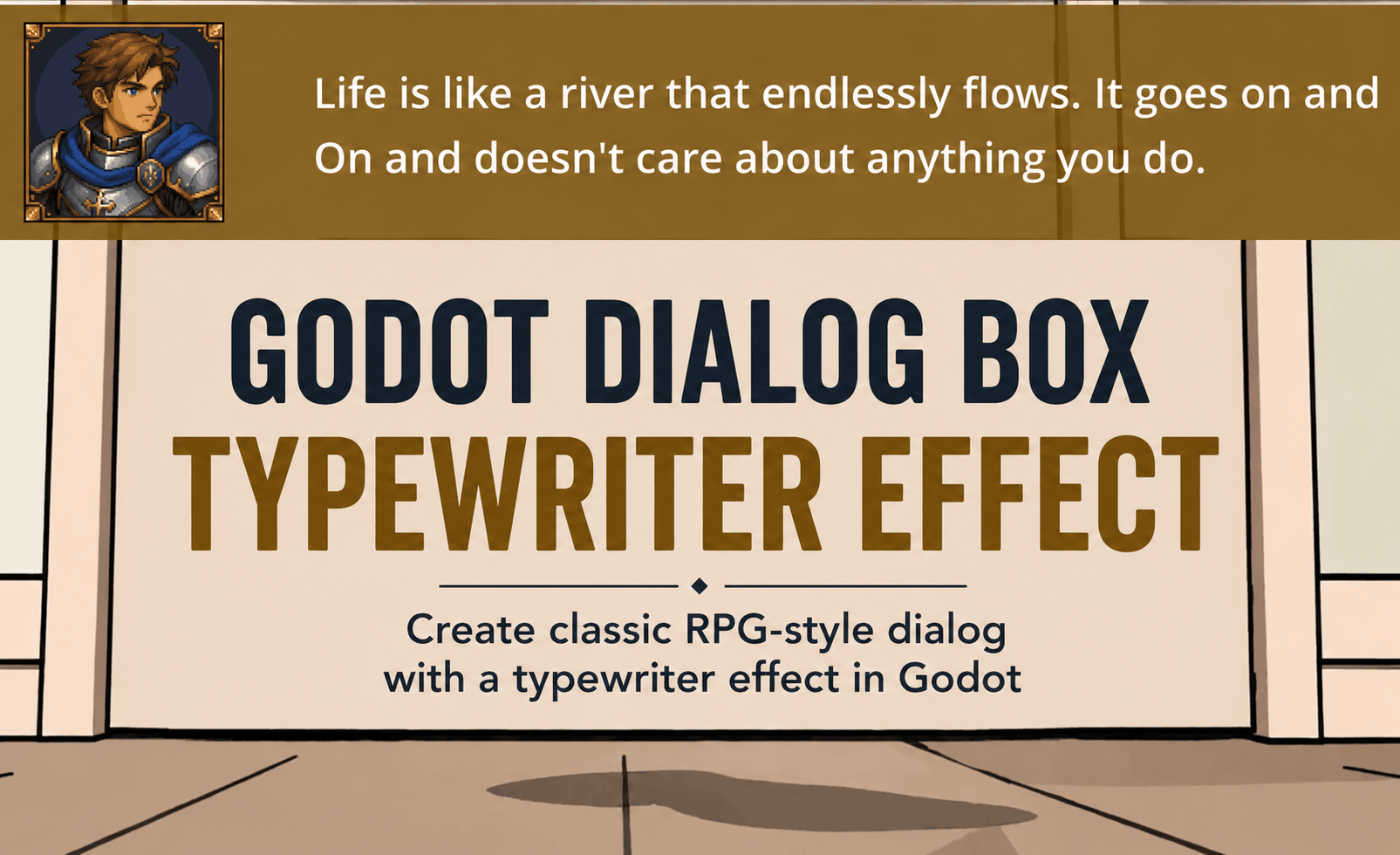
Today we’re gonnna learn how to make a simple Godot typewriter effect with Godot C#. To give you guys a little bonus it’s also going to have a placeholder for a picture/avatar.
The code will be built in a way you could easily implement it to both your 3D and 2D projects easily.
Prework
- Take your working project or create new one
- (Optional change to pascal case)
Create a new Control Node.
Create a new control node and rename it to DialogBox. And add the following children nodes:
- TextureRect – This will provide a canvas background for the dialog
- Label (I’ve renamed it to DialogText) – This will hold the text
- Sprite2D – This will have the avatar image
Your DialogBox scene should look like this:

Save it in your scenes folder or wherever you feel comfortable. Now let’s look at the settings of it all. Don’t mind the attached script symbol for the dialog box, we will get to that.
TextureRect settings and properties.
Create a new Texture in the inspector. For me I chose Gradient2D and added a brownish color to it:

Resize it to the width that you need (or you can use the anchoring tool to have it full width.
Label settings:
Add some default text to the label for now. I added “Life is like a river that endlessly flows. It goes on and
On and doesn’t care about anything you do.”. And resize it in accordance with your needs.

For me the left area is reserved to the avatar/photo so the text has some padding. Centralize the text in the settings.
Sprite2D Settings:
Here just add an image to the Sprite2D and position it where you want. For me it’ll be like so:

This is our basic skeleton. Now we’ll need to make it dynamic so you can choose the image, text at will depending on the game situation.
Create a new C# script on the DialogBox root node.
1. Creating the class variables
First we want to create some class variables so let’s do that. Add the following code to your script:
    [Export] private Label _dialogText;
    [Export] private Sprite2D _avatar;

    private float _typingSpeed = 60f;
    private float _typingTime;
    private bool _typing = false;

private string _text = "Hi, I heard you like typewriter effect right?";The two exports are used to connect the Label and Sprite2D nodes in the Godot IDE:

After you save the script and click “rebuild .NET” make sure you select those nodes in your root node so that the script will know which nodes you’re talking about.
_typingSpeed variable determines the typing speed.
private float _typingTime;
private bool _typing = false;
Those two are for the algorithm, _typing indicates if the code is typing, typingTime is a summery of the delta time variable (needed for the algorithm).
_text contains the text string.
2.Create a “ResetTypeWriter” function
public void ResetTypeWriter()
{
_dialogText.Text = _text;
_dialogText.VisibleCharacters = 0;
_typingTime = 0;
_typing = true;
}This function just resets our typewriter to zero.
Call it in the _Ready() Godot function. Add this line:
public override void _Ready()
{
ResetTypeWriter();
} 3. Putting the actual writing in the _Process()
The simplest way to implement this typewriting is by putting the writing in _Process() . The other option would be to use C# Tasks and multithreading. But we will stick to the simple solution.
Put this piece of code in your code:
public override void _Process(double delta)
{
_typingTime += (float)delta; //(float)GetProcessDeltaTime();
_dialogText.VisibleCharacters = (int)(_typingSpeed * _typingTime) ;
if ( _dialogText.VisibleCharacters >= _dialogText.GetTotalCharacterCount())
{
_typing = false;
}
}Congratulations, you can now run the game and you’ll see this:

The Full DialogBox code:
using Godot;
using System;
using System.Threading.Tasks;
public partial class DialogBox : Control
{
    [Export] private Label _dialogText;
    [Export] private Sprite2D _avatar;

    private float _typingSpeed = 60f;
    private float _typingTime;
    private bool _typing = false;

    private string _text = "Hi, I heard you like typewriter effect right?";
public override void _Ready()
{
ResetTypeWriter();
}
public override void _Process(double delta)
{
_typingTime += (float)delta;
_dialogText.VisibleCharacters = (int)(_typingSpeed * _typingTime) ;
if ( _dialogText.VisibleCharacters >= _dialogText.GetTotalCharacterCount())
{
_typing = false;
}
}
    public void ResetTypeWriter()
    {
        _dialogText.Text = _text;
        _dialogText.VisibleCharacters = 0;
        _typingTime = 0;
        _typing = true;
    }
}